

 Manage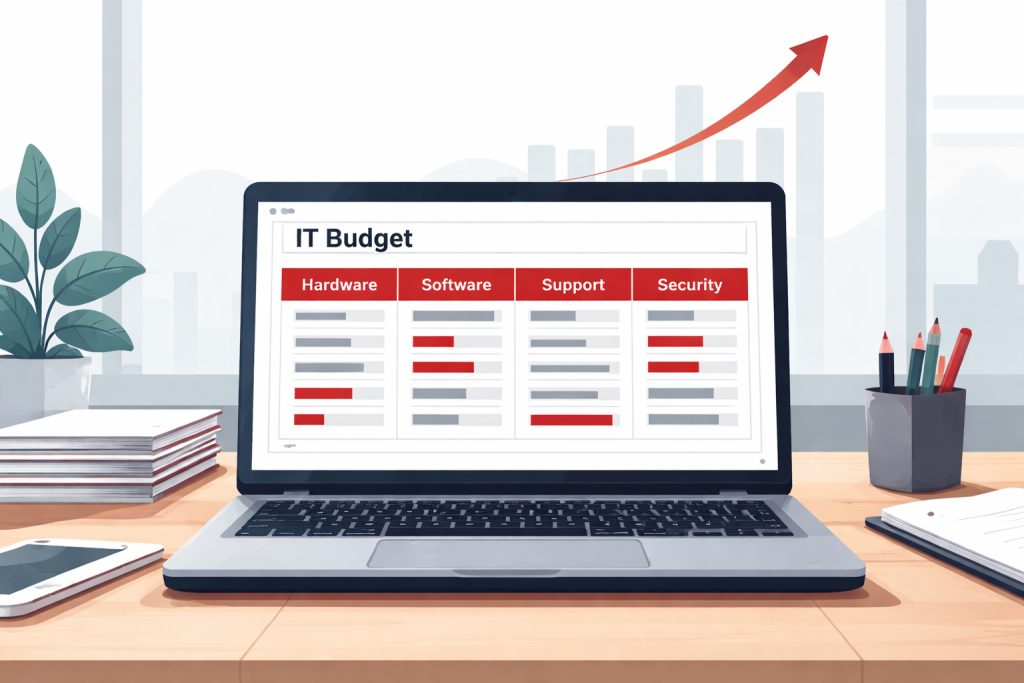
Here’s how most small business IT budgets get built: something breaks, you pay to fix it, you move on. Then a vendor raises their licensing fees, a laptop dies at the worst possible time, or a security incident lands an unexpected five-figure bill — and the cycle repeats. The result isn’t just frustrating. It’s expensive.
IT budget planning for small business isn’t about spending more on technology. It’s about spending predictably, so that hardware refreshes, software renewals, and support costs show up as line items you planned for — not surprises that blow a quarter. This guide gives you a practical framework for building that budget, even if you’ve never had a formal IT budget before.
Why Most Small Businesses Get IT Budgeting Wrong
The default model for SMB IT spending is reactive: pay when something breaks, upgrade when something becomes unbearable, and treat everything else as someone else’s problem until it isn’t. Organizations with strategic IT budgets spend 15% to 25% less over a 5-year period than reactive spenders, while achieving significantly better outcomes in uptime, security, and employee productivity.
That gap compounds over time. Every emergency purchase costs more than a planned one — you’re paying market rate, accepting whatever’s in stock, and losing the negotiating leverage that comes from knowing what you need and when you need it. In 2026, that dynamic is especially punishing. Desktop and laptop prices are up 20–40% this year due to AI-driven memory shortages, tariff pressures, and the Windows 10 end-of-life demand surge — meaning businesses without a refresh plan are walking into the most expensive hardware market in years with no runway.
The mindset shift is simple but important: IT is a predictable operating expense, not a surprise capital event. The framework below is how you make that practical.
The Four Buckets Every Small Business IT Budget Needs
A well-structured IT budget doesn’t require sophisticated tools or a dedicated IT team. It requires four clearly defined spending categories that you fund intentionally.
Bucket 1 — Hardware Physical devices: laptops, desktops, monitors, networking equipment, printers. This is the bucket most SMBs underfund because hardware feels like a one-time purchase rather than a recurring cost. It isn’t. Every device has a lifespan, and when that lifespan ends without a plan, you’re buying under pressure.
Bucket 2 — Software and Licensing Microsoft 365, line-of-business applications, cloud services, and any subscription-based tools your team relies on. This bucket tends to grow quietly — a new tool added here, a seat count increase there — until renewal season arrives and the number is significantly higher than anyone expected. Organizations waste an average of 25–30% of their software licensing spend on unused or underutilized licenses. A quarterly license audit is the fix.
Bucket 3 — Support and Maintenance This covers break-fix costs, managed services fees, warranty coverage, and any vendor support contracts. For businesses without internal IT staff, this bucket often gets skipped entirely — until the support call arrives and there’s no budget to pay for it.
Bucket 4 — Security Endpoint protection, backup solutions, multi-factor authentication tools, and any compliance-driven security requirements. Security accounts for 3.8% of total IT budgets on average, up from 3.1% in 2022 — and for SMBs, it’s consistently the most underfunded category relative to actual risk exposure.
As a starting benchmark, small businesses with 1–49 employees spend an average of 6.9% of revenue on IT, compared to 3–4% for larger enterprises. That higher percentage reflects the reality that smaller businesses can’t spread fixed IT costs across a larger revenue base. Use it as a sanity check, not a target — your actual number will depend on industry, headcount, and how technology-dependent your operations are.
Start With What You Have — The Inventory Step
You can’t build a hardware budget without knowing what you’re budgeting for. Before you assign a dollar figure to Bucket 1, you need a complete picture of every device your business owns — how old it is, what condition it’s in, and how long it has left.
This is exactly what a hardware fleet audit gives you. How to Audit Your Business Hardware Fleet Before a Refresh walks through the full process — but the budget-relevant output is straightforward: a prioritized list of devices sorted by health and business impact, with a clear indication of which ones need to be replaced in the next 12 months, 12–24 months, and beyond.
That list is your 3-year hardware cost projection. Take the devices in each window, estimate current replacement cost per device, and you have a rough annual hardware reserve — a number you can actually put in a budget.
Building Your Hardware Refresh Line Item
The most common hardware budgeting mistake is treating refresh as a one-time event. Businesses go three or four years without replacing anything, then face a wave of aging devices all at once and absorb the full cost in a single year. That’s both expensive and avoidable.
A staggered refresh model replaces a portion of the fleet each year — typically 20–30% annually on a 3–4 year cycle — so the cost is distributed and manageable. To calculate your annual hardware reserve, divide your total fleet replacement value by your average device lifespan in years. A business with 20 devices averaging $1,200 each on a 4-year cycle needs to budget $6,000 per year for hardware — a number that’s easy to absorb annually but painful to face all at once.
For 2026 specifically, build in a 20–25% cost buffer above your historical per-device figures. The market conditions driving prices up aren’t short-term noise — they reflect structural shifts in memory supply and import costs that will persist through at least the remainder of this year.
The Costs SMBs Almost Always Forget
The four buckets cover the obvious categories. These are the line items that consistently get left out of first-draft IT budgets — and show up as surprises later.
Licensing true-ups and renewal spikes. Software vendors routinely adjust pricing at renewal. Microsoft 365 pricing, for example, has increased multiple times in recent years. Budget an annual 5–10% escalator on your current software spend rather than assuming flat renewals.
Onboarding and offboarding. Every new hire needs a device provisioned, accounts created, and software installed. Every departure needs a device wiped, accounts deprovisioned, and data secured. At even a modest $150–$300 per event in staff time and tooling, a business with 20% annual turnover across 25 employees is absorbing $750–$1,500 per year in costs that rarely appear in any budget.
Downtime. An hour of unplanned downtime has a calculable cost: multiply your average revenue per hour by the percentage of staff affected. For most SMBs, even a modest outage quickly reaches four figures. This isn’t a line item you budget for directly — it’s the business case for funding the security and support buckets adequately so outages happen less often.
Disposal and data wiping. End-of-life hardware can’t just go in the trash. Devices that contain business data require certified wiping before disposal, and many industries have compliance requirements around how that’s documented. Budget $20–$50 per device for responsible retirement — it’s cheap insurance against a data exposure event.
How to Turn a One-Time Budget Into an Ongoing Process
A budget built once and revisited at the same time next year will be wrong by Q2. IT costs don’t move on annual cycles — they move with headcount changes, vendor pricing shifts, software sunset announcements, and hardware market conditions.
A quarterly check-in doesn’t need to be long. Thirty minutes to review actual spend against budget, flag any licenses that have been added or dropped, and note any device health changes from your fleet monitoring is enough to keep the budget accurate. The annual planning cycle then becomes a refinement rather than a rebuild from scratch.
Maintain a rolling 3-year view rather than planning only 12 months ahead. Hardware refresh decisions, major software migrations, and security infrastructure investments all have lead times that a 12-month horizon can’t accommodate. Knowing that 8 devices are hitting end-of-life in 18 months gives you time to source them strategically — knowing it in month 17 puts you back in reactive mode.
Where an MSP Fits Into Your IT Budget
A managed service provider replaces the most unpredictable part of your IT spending: unplanned break-fix costs, ad hoc vendor coordination, and the accumulated risk of issues that go unnoticed until they become expensive. In budget terms, it converts a variable, crisis-driven expense into a fixed monthly line item.
What that means practically is that the support and security buckets become more predictable. An MSP typically handles proactive monitoring that catches problems before they cause downtime, manages your software licensing and renewals on a schedule, maintains visibility into your hardware fleet’s health, and brings vendor relationships that give you better pricing and lead times than the open market.
That said, managed services isn’t the right fit for every business at every stage. For a 5-person operation with minimal IT complexity, the monthly cost may not be justified. For a 25-person business running line-of-business applications, storing client data, and navigating compliance requirements without any internal IT staff, the math almost always favors a managed services model — particularly when you factor in the cost of the downtime, security incidents, and reactive purchasing it prevents.
At eMDTec, the conversations we have with SMB clients about IT budgeting aren’t sales conversations — they’re planning conversations. What do you have, what’s aging, what’s at risk, and what does a responsible budget look like for where your business is headed? If you don’t have a clear answer to any of those questions, that’s a good place to start.
Want a clearer picture of what your IT budget should look like? Reach out to eMDTec — we’re happy to walk through it with you, no commitment required.