

 Manage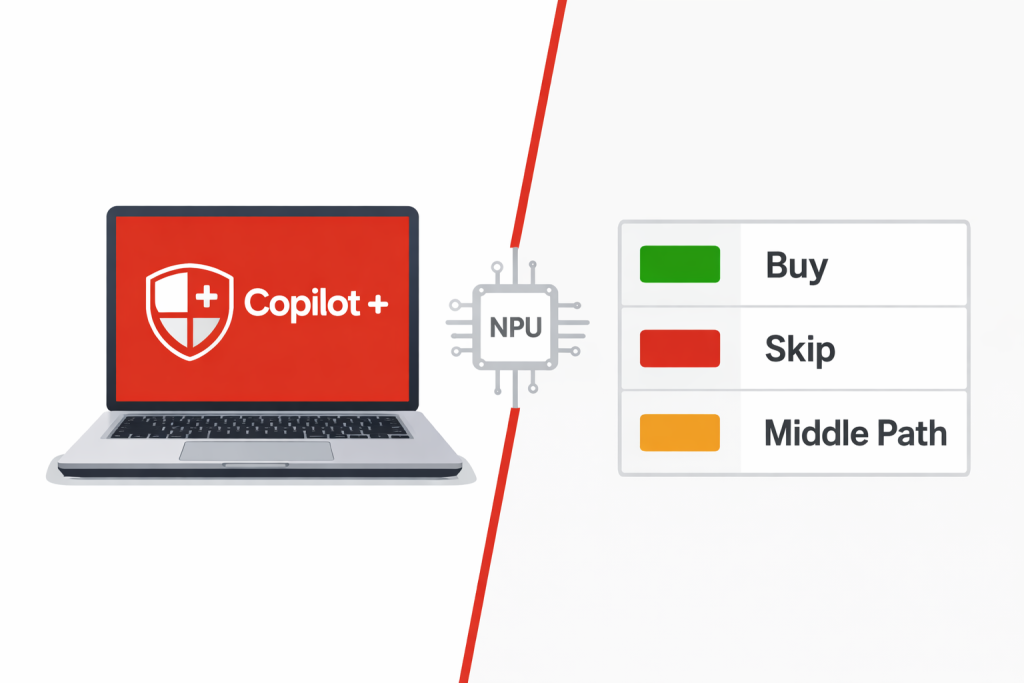
If you’ve been shopping for laptops recently, you’ve probably seen the Copilot+ badge on devices from Dell, HP, Lenovo, Microsoft Surface, and others. Vendors are leading with it. Marketing decks are full of it. And if you’re a business leader trying to make a sensible hardware decision without a computer science degree, you deserve a straight answer about what it actually means — and whether the premium is worth it for your team.
This is that answer.
The Buzzword Your Vendor Keeps Using — What Copilot+ Actually Means
Copilot+ is not a software subscription. It’s not a version of Microsoft 365. It’s a hardware certification — a badge Microsoft awards to devices that meet a specific set of minimum specifications designed to run on-device AI features locally, without relying on the cloud.
The defining component is something called an NPU, or Neural Processing Unit. An NPU is a dedicated chip on the device’s processor — separate from the CPU and GPU — designed specifically to run AI workloads efficiently. Think of it as a specialist: where a CPU handles general computing tasks and a GPU handles graphics, the NPU handles AI math. It’s faster at those specific tasks, uses less power doing them, and doesn’t compete with everything else running on your device.
To earn the Copilot+ PC certification, a device must meet three hardware minimums: an NPU capable of at least 40 TOPS (trillion operations per second), 16GB of RAM, and 256GB of SSD storage, running Windows 11 version 24H2 or later. The processors currently certified include Qualcomm’s Snapdragon X series, Intel’s Core Ultra 200V series, and AMD’s Ryzen AI 300 series.
One thing worth noting before you accept a vendor’s spec sheet at face value: some manufacturers advertise “platform TOPS” figures that combine the NPU, CPU, and GPU into a single number — sometimes exceeding 100 TOPS. That’s not the same thing. Microsoft’s certification requires 40+ TOPS from the NPU specifically. If a device’s spec sheet shows a large combined figure but doesn’t call out the NPU TOPS separately, ask the vendor to clarify.
What a Copilot+ PC Can Do That a Standard PC Can’t
The NPU unlocks a specific set of Windows 11 features that run entirely on the device — no internet connection required, no data sent to a cloud server. That on-device processing matters for two reasons: speed and privacy.
The headline features currently available on Copilot+ hardware include:
Recall — an AI-powered search tool that takes periodic snapshots of your screen and lets you search through everything you’ve done on the device using plain language. Looking for that contract you reviewed three weeks ago but can’t remember what it was called? Recall can surface it. Microsoft has gone to significant lengths to address the privacy concerns raised when Recall launched, making snapshots encrypted and stored locally only. It’s a genuinely useful feature for knowledge workers who live across dozens of documents and browser tabs — but it requires at least 50GB of free storage to operate and should be evaluated carefully in regulated industries before enabling.
Live Captions with real-time translation — this one has immediate practical value for businesses. It transcribes and translates audio from any source — video calls, recorded webinars, YouTube content — in real time, directly on the device. If your team works with international clients, partners, or vendors, or if you regularly consume content in another language, this is a meaningful productivity feature.
Windows Studio Effects — AI-powered enhancements for video calls, including background blur, eye contact correction, and noise suppression. These run on the NPU rather than consuming CPU resources, which means better call quality without the system slowdown that comes with software-based equivalents.
Cocreator in Paint and other creative tools — on-device image generation and AI-assisted editing. Relevant for marketing staff or anyone producing visual content, less relevant for operational roles.
The key distinction across all of these features: they run locally on the device. That means they work offline, they respond faster than cloud-based equivalents, and your data doesn’t leave the machine to be processed.
Who in Your Business Would Actually Feel the Difference
This is the question that matters most for a purchasing decision, and the honest answer is: not everyone.
The roles where Copilot+ features deliver genuine day-to-day value are knowledge workers — people who spend the majority of their time in documents, emails, and video calls, and who frequently need to search back through past work or meetings. Executives, account managers, project leads, HR staff, and anyone conducting calls with multilingual counterparts are the clearest candidates. If someone is on video calls for four or more hours a day, the Studio Effects alone justify the hardware.
The roles where a well-specced standard Windows 11 machine does the job equally well include reception, data entry, point-of-sale, light administrative work, and any task-specific role where the work is repetitive and bounded. The NPU in a Copilot+ machine will never be meaningfully used in these roles, and the 16GB RAM floor means you’re paying for memory those workloads don’t need.
There’s also an important clarification that often gets lost in vendor conversations: Copilot+ PC hardware and Microsoft 365 Copilot are two entirely separate things. Microsoft 365 Copilot — the AI assistant that drafts emails in Outlook, summarizes meetings in Teams, and generates content in Word and PowerPoint — runs in the cloud and requires a separate Microsoft 365 Copilot Business subscription starting at $21 per user per month. It works on any Windows 11 machine, Copilot+ certified or not. Buying a Copilot+ PC does not give your team Microsoft 365 Copilot, and buying Microsoft 365 Copilot does not require Copilot+ hardware.
Understanding that distinction is critical before any budget conversation about AI tools.
The Price Reality — What You’re Actually Paying For
Copilot+ machines typically carry a $150–$300 premium over comparable non-Copilot+ hardware in the same product line. That gap exists primarily because the 16GB RAM floor and certified NPU chip both cost more than the components in a standard configuration — and as covered in our post on why desktop and laptop prices are up significantly in 2026, RAM is among the most expensive components in the current market.
What that premium buys you, in practical terms, is the NPU and the feature set it enables. If those features will be used daily by the person in that role, the premium is easy to justify. If the role is operational and the features will go untouched, you’re paying for hardware capability that will never be exercised.
For fleet purchasing decisions, this is where building a structured IT budget by role pays off. A blanket “everyone gets Copilot+” approach adds unnecessary cost at the lower end of your org chart. A role-based hardware standard — Copilot+ for knowledge workers, standard Windows 11 hardware for operational roles — keeps the total spend sensible while getting the right hardware to the people who will actually use it.
The Windows 11 Requirement You Can’t Ignore
Copilot+ runs exclusively on Windows 11 version 24H2 or later. There are no exceptions, and there is no software update that turns a non-Copilot+ machine into one. The certification depends on dedicated NPU hardware that older devices simply don’t have.
This means Copilot+ is a refresh-cycle decision, not an upgrade decision. You won’t be retrofitting existing machines — you’ll be choosing it as a spec standard when you’re already buying new hardware.
The practical implication: if your business is mid-cycle on hardware and not planning a refresh for another 18 months, there’s no action to take today on Copilot+ specifically. If you’re planning a refresh this year, the premium shrinks in relative terms when it’s baked into a new device purchase rather than treated as a standalone cost.
When evaluating devices, ask vendors specifically which NPU is in the machine and what its standalone TOPS rating is — not the combined platform figure. Not all Copilot+ certified devices perform equally, and current 2025–2026 NPUs range from 45 to 60+ TOPS depending on the chip. For everyday Copilot+ features, 40 TOPS is sufficient. If staff will be running more intensive local AI workloads, stepping up to a higher-rated chip is worth the conversation.
The Honest Verdict — A Decision Framework for SMB Buyers
Before committing to Copilot+ for any role in your business, answer three questions:
- What Copilot+ features will this person use daily? If you can’t name at least two that apply to their actual workflow, the premium is hard to justify.
- Is their current bottleneck hardware or workflow? If someone is slow because of bad processes, a faster laptop won’t help. If they’re slow because their current machine is aging or underpowered, a refresh — Copilot+ or otherwise — will help regardless.
- Is the $150–$300 premium better spent elsewhere in the IT budget? For a fleet of 20 devices, that’s $3,000–$6,000 in additional spend. For knowledge workers who will use the features, it’s a reasonable investment. Spread across a fleet of mixed roles, some of that money might serve the business better in software licensing, security tooling, or support coverage.
The framework breaks down cleanly into three categories:
Buy Copilot+ when the role is video-call-heavy, involves multilingual communication, requires heavy document or content work, or the person is already using — or planning to use — Microsoft 365 Copilot and wants the full AI stack running at maximum efficiency.
Skip it when the role is task-specific and bounded, the device is replacing aging hardware in a low-complexity environment, or the premium is hard to justify across a large fleet of operational staff.
The practical middle path that works well for most SMBs: standardize on Copilot+ machines for leadership, account management, and knowledge workers. Use well-specced standard Windows 11 hardware for operational and administrative roles. Document the standard so purchasing decisions stay consistent as headcount changes.
How eMDTec Can Help You Make the Right Call
The Copilot+ decision sounds straightforward in a blog post. In practice, it involves cross-referencing your role structure, your existing hardware refresh timeline, your Microsoft 365 licensing tier, and device availability from vendors — all of which interact in ways that aren’t obvious from a spec sheet.
At eMDTec, the hardware conversations we have with SMB clients before a refresh start with role mapping: who needs what, what features they’ll actually use, and what the right device standard looks like across different parts of the business. We source hardware through our vendor relationships, which means better pricing and lead times than the retail market — and we make sure the devices landing on desks are the right ones for the people sitting at them, not just whatever came in a bulk quote.
If you’re heading into a hardware refresh and trying to figure out whether Copilot+ belongs in your budget, that’s exactly the kind of conversation we’re here for. Reach out to eMDTec and we’ll walk through it with you.