

 Managed IT Services
Remember when the last thing you did before a trip was call your credit card company? You sat on hold to tell them you were headed to Mexico or Europe so they would not freeze your card on the first purchase.
Banks have mostly automated that step away. A different bottleneck has taken its place, and it is a lot more disruptive: your company’s IT security.
If you own or work for a small business and plan to work while traveling internationally, an IT travel notice belongs on your pre-trip checklist right next to your passport. Send one, and your accounts stay open. Skip it, and there is a real chance you land, open your laptop, and find yourself locked out of your business network before you have cleared customs.
This post explains why that happens, what a lockout actually costs you, and exactly what to send your IT team (or your Managed Service Provider) before you leave.
What Is an IT Travel Notice?
An IT travel notice is a short message to your IT department or MSP that says where you are going, when, on which devices, and how you plan to connect. Think of it as the bank alert, but for your business logins.
It does not need to be formal. A ticket or a two-line email a week before departure is enough. The point is to give your IT team the information they need to distinguish between you working from a hotel in Lisbon and an attacker in Lisbon who has your password.
Without an IT travel notice, the security tools protecting your company have to guess. And they are built to make conservative guesses.
Why IT Security Blocks Unexpected International Logins
Modern identity protection tracks patterns. Your accounts have a “normal”: the cities you usually sign in from, the devices you use, the hours you keep. Most of the time that pattern is invisible to you, because you never step outside it.
International travel breaks the pattern all at once. A new country, an unfamiliar network, sometimes a new device, often a strange hour because of the time zone. To a monitoring system, that combination looks less like a business trip and more like a stolen password being used from overseas.
This is not overreach on IT’s part. Stolen credentials remain one of the most common ways attackers gain access to small-business accounts, and a sign-in from an unexpected country is one of the clearest early warning signs. A security team that ignored it would be doing you a disservice.
The Impossible Travel Lockout, Explained
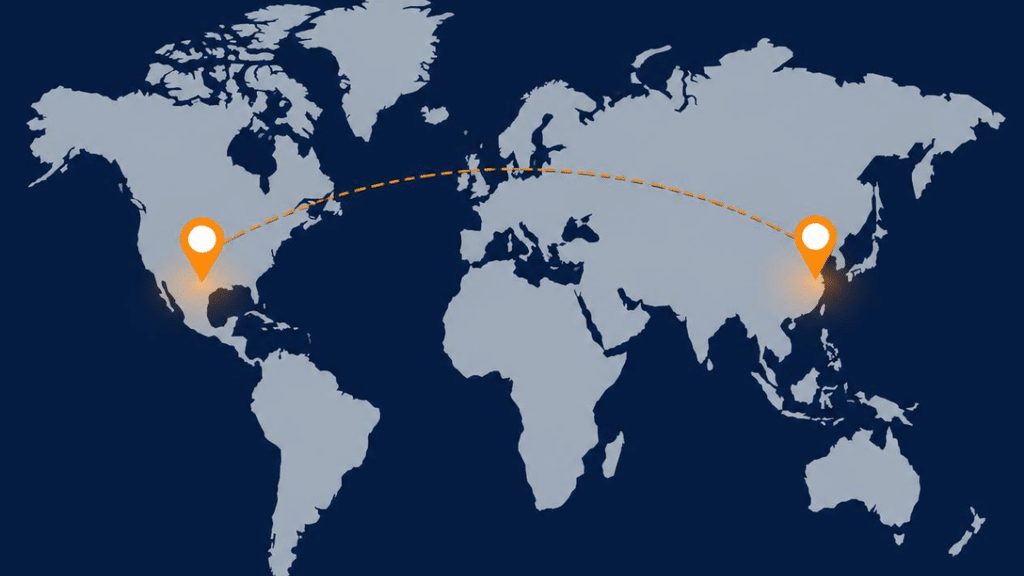
The most common trigger is a check that goes by a few names: impossible travel, atypical travel, or geo-velocity detection. The logic is simple.
Say you check your email from your office in Morristown at 5:00 PM. At 6:00 PM, a login attempt for the same account arrives from London. No plane on earth covers that distance in an hour. The system concludes that the two sessions cannot both be you, so at least one of them is an intruder.
The problem is that from the outside, an actual traveler can look the same. Your phone syncs mail from the airport gate at Newark. Six hours later, you connect from the hotel in Lisbon. Or your desktop back at the office keeps a session alive while you sign in from abroad. Either way, the system sees two locations that do not add up.
When an impossible travel lockout fires, the response is automatic and immediate. The system typically does three things:
- Raises a high-risk alert that lands in your IT team’s queue, often in the middle of their night if you are several time zones ahead.
- Revokes your active sessions, so the email you were reading, the files you had open, and the apps signed in on your phone all disconnect at once.
- Blocks further sign-ins until an administrator manually confirms you are who you say you are.
Some setups go further and block entire countries or regions by default. Many small businesses have no legitimate reason to accept logins from certain parts of the world, so those regions are simply off unless someone opens them up. If your destination is on that list and no IT travel notice told anyone you were going, you are locked out before you even trip the velocity check.
Locked Out of Work Email Abroad: Why “Forgot Password” Won’t Save You
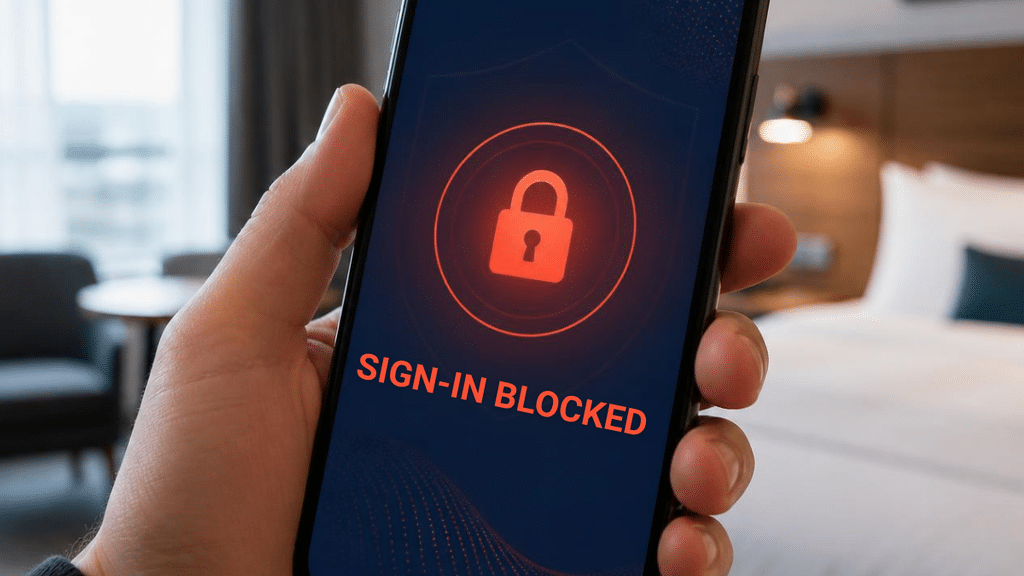
Getting locked out of work email abroad is not the same as forgetting a password at your desk. An impossible travel lockout is deliberate. Your access has been cut on purpose because the system believes your account is compromised, and no self-service reset link is going to override that.
To get you back in, your IT team has to verify your identity the hard way. That means a phone call, a video call, or a challenge only the real you can answer. Attackers know that “I’m traveling and I got locked out, can you reset me?” is one of the oldest social engineering lines in the book, so a good IT provider will not skip these steps just because you sound frustrated.
Here is what that looks like in practice:
- You discover the lockout at 8:00 AM local time in Lisbon. It is 3:00 AM in New Jersey.
- You try the “forgot password” link. It fails, because the account is flagged, not just locked.
- You email IT from a personal address. It sits until the office opens.
- IT calls you back mid-morning Eastern, which is mid-afternoon for you. They walk through verification, review the alert, clear the risk flag, and restore access.
Best case, you lost most of a working day. Worst case, it stretches into two, and you have missed a client deadline, a proposal window, or a payment approval that only you could sign off on.
None of this is IT being difficult. It is IT doing its job without the one piece of information, an IT travel notice, that would have made the whole thing unnecessary.
What to Include in Your IT Travel Notice
The fix is a simple IT travel notice. About a week before you leave, send your IT department or MSP a ticket with the following details. A week gives them time to set up exceptions, test them, and ask follow-up questions without rushing.
1. Departure and Return Dates
Give the exact dates you will be out of the country. IT will use the dates in your IT travel notice to open a temporary window for your account and, just as important, to close it again when you are home. An exception that never expires is a security hole, so the return date matters as much as the departure.
2. Every Country You Will Enter or Pass Through
List your destinations, and do not forget layovers. A three-hour connection in Frankfurt or Doha is long enough for your phone to check email, and if that country is not on your approved list, that quick sync can be the login that triggers the alert. Include every country where a device might touch the network, even briefly.
3. The Devices You Are Bringing
Name the specific work laptop, tablet, or phone coming with you. IT can confirm each device is fully patched, encrypted, and enrolled in management before you go. If you are planning to use a personal device for work while away, say so now. That may or may not be allowed under your company’s policy, and it is far better to find out before you leave than at the hotel.
4. How You Plan to Connect
Tell IT whether you expect to use hotel Wi-Fi, an international eSIM, a local SIM, or a personal hotspot. Each option has different risks. Hotel and airport Wi-Fi are shared networks you do not control. A mobile hotspot from your own carrier is usually safer. Your IT team can recommend the right setup, make sure your VPN or secure access client is working before you leave, and understand which network addresses to expect your logins from.
If you also want to tighten up device habits for the trip itself, eMDTec’s guide to working securely from coffee shops and coworking spaces covers the physical and network precautions that apply just as well to hotel lobbies.
What Your IT Team Does With the Notice
Once your IT travel notice arrives, a good provider does more than jot it on a sticky note. Here is what happens behind the scenes.
A temporary travel exception. IT adds your destinations to an approved list for your account, scoped to your travel dates. Your logins from those countries are treated as expected rather than suspicious. Everyone else in the company stays under the normal rules, so the exception protects you without weakening protection for the rest of the team.
A device check. Before you leave, IT confirms your devices are current on updates, disk encryption is on, remote wipe is available if a device is lost or stolen, and your secure access client connects cleanly. Catching a problem in the office is a ten-minute fix. Catching it in a hotel room is a support call.
A monitoring note. After an IT travel notice, the alert system still watches your account. If a login shows up from a country that is not on your itinerary, that is still treated as a red flag, because it should be. The notice narrows what counts as normal; it does not switch off protection.
A return-date cleanup. When you are back, the exception is removed and your account returns to its standard profile. If your dates change while you are away, a quick update to the ticket keeps the window accurate.
This is exactly the kind of routine, proactive work that an MSP handles as part of managed IT services. It is not glamorous, but it is the difference between a trip where IT is invisible and a trip where IT is the story.
A Working Abroad Cybersecurity Checklist
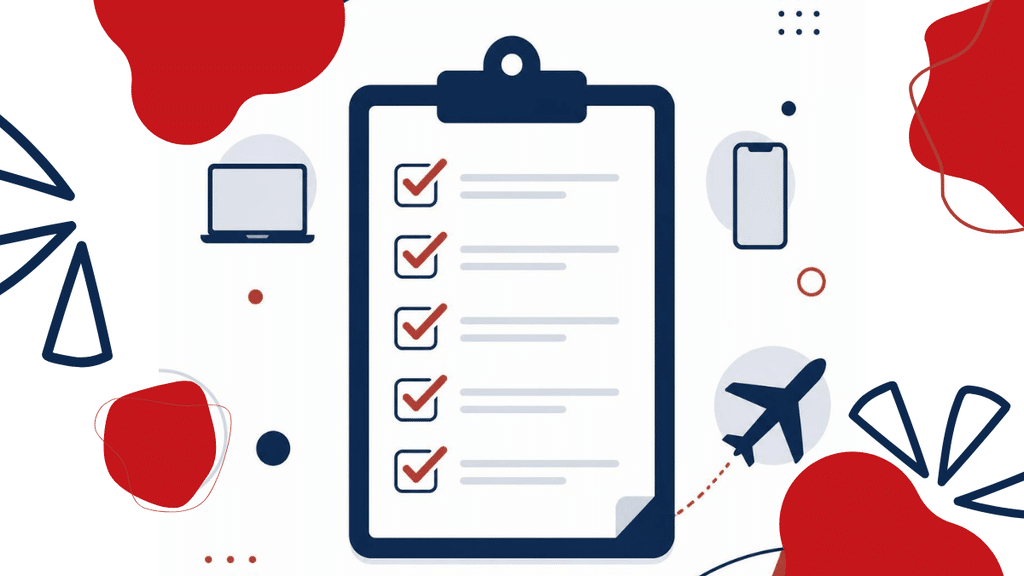
The IT travel notice covers your logins. A few additional habits cover everything else. Here is a short working abroad cybersecurity checklist to run through before and during the trip.
Before you leave
- Send your IT travel notice at least one week out, with all four details above.
- Install every pending update on every device you are bringing, then restart.
- Confirm your multi-factor authentication method works without your usual cell service. This is a key item on any working abroad cybersecurity checklist: an authenticator app on your phone keeps working on Wi-Fi; text-message codes may not if your number does not roam.
- Make sure disk encryption is turned on and you know how to reach IT if a device goes missing.
- Bring only what you need. A device left at home cannot be lost, stolen, or inspected at a border.
While you are away
- Use your company’s secure access client or VPN before opening anything work-related on a shared network.
- Do not plug into public USB charging ports. Use your own charger and a wall outlet, or carry a power bank.
- Keep devices with you or locked in a safe. Do not leave a laptop in a hotel room unattended if you can avoid it.
- If you get a security prompt you did not expect, an MFA push you did not request, or an email asking you to “verify your account while traveling,” stop and call IT. Do not approve it.
- If your itinerary changes, update your IT travel notice ticket. A new country added mid-trip is the most common reason a planned exception still ends in a lockout.
When you return
- Let IT know you are back so the travel exception from your IT travel notice can be closed.
- If anything felt off during the trip, such as a device that behaved strangely or a network you were unsure about, mention it. A quick scan on return is cheap insurance.
For a broader look at protecting people who work outside the office, see eMDTec’s cybersecurity for a remote workforce page. The U.S. Cybersecurity and Infrastructure Security Agency also publishes plain-language guidance on cybersecurity while traveling that is worth a five-minute read before any international trip.
Common IT Travel Notice Questions
Do I need an IT travel notice for a domestic trip? Usually not, but it does not hurt. Domestic travel rarely trips impossible travel detection unless you are crossing several time zones quickly, and most companies do not block U.S. logins. If you are unsure, send an IT travel notice anyway. It costs thirty seconds.
What if I skipped the IT travel notice and I’m already locked out? Contact your IT team through whatever channel they have given you for emergencies, and be ready to prove who you are. Expect verification questions and do not be offended by them. In the meantime, do not try workarounds like logging in through a colleague’s account. That creates a second security problem on top of the first.
Will IT see everything I do while traveling? A travel exception does not change what your company can see. It only changes which locations are treated as expected for your account. The same policies that applied at your desk apply on the road.
I’m the owner. Can’t I just turn the detection off for myself? You can, and you should not. Owners and executives are the accounts attackers target most, because those accounts can approve payments and access everything. The extra friction of an IT travel notice is far cheaper than the alternative.
What if my company doesn’t have an IT department? Then this is a conversation to have with whoever manages your accounts, whether that is a part-time consultant, a vendor, or an MSP. If nobody is watching for suspicious logins at all, that is a bigger gap than any travel headache, and it is worth fixing before your next trip.
A Safe Trip Starts With a Quick Heads-Up
A one-week IT travel notice with four details is all it takes to turn an international trip from a potential lockout into a normal working week from a different time zone. Treat it the way you used to treat the bank alert: do it early, do it accurately, and then go enjoy the trip.
If you are not sure whether your current IT setup would catch an overseas login, or whether anyone would be there to unlock you at 3:00 AM, eMDTec can help. We have supported New Jersey businesses since 2002, and our cybersecurity services include the identity monitoring and access controls that make this kind of protection routine rather than disruptive.