

 Managed IT Services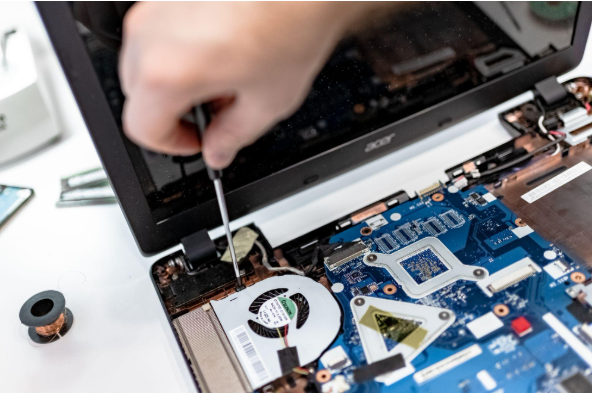
Summary: How long business computers last depends on more than age, but for most New Jersey offices, three to five years is the practical range, and a planned three-to-four-year refresh cycle is the sweet spot for cost, security, and productivity. Replace any computer that cannot run a supported operating system (Windows 11), cannot run the software your business depends on, or costs more than half its replacement value to repair.
Business computers rarely fail all at once. A laptop may still handle email and documents but take longer to start, choke during video calls, or run out of battery halfway through the afternoon. That slow decline is exactly why so many owners, CFOs, and practice managers ask the same question: how long business computers last, and when does “sweating” an old machine start costing more than replacing it?
The short answer to how long business computers last is three to five years. The better answer depends on security support, reliability, warranty coverage, repair costs, and what the person using it actually does all day. For the healthcare practices, law firms, accounting firms, and financial services companies we support across New Jersey, there is one more factor that outweighs all of the others: a computer that can no longer receive security updates is a compliance liability, not just an annoyance.
This guide explains how long business computers last in practice: the average lifespan of a business laptop versus a desktop, the five warning signs that a workstation is done, the hidden costs of old business computers, the compliance traps regulated NJ firms need to avoid, and how to build a business computer replacement cycle that keeps budgets predictable.
The Standard Lifespan: Laptops vs. Desktops in a Corporate Environment
Manufacturers build their own lifecycle planning around three-to-four-year replacement periods. Intel’s internal refresh program lets employees on computers older than three years select a replacement suited to their work, and Dell recommends refreshing business PCs every three to four years. Those are planning recommendations rather than expiry dates, but they line up with how long business computers last in the offices we support.
Average Lifespan of a Business Laptop
Ask how long business computers last and most vendors will answer for desktops. Laptops are different. The average lifespan of a business laptop is roughly three to four years. Laptops live a harder life than desktops: they get carried between client sites, dropped into bags, run hot on couches and conference tables, and cycle their batteries every single day. Batteries lose capacity with age, hinges and ports wear, and thin chassis leave little room for upgrades. A laptop that travels with an attorney or a home-health nurse every day will usually need replacement sooner than one that sits docked at a desk.
Average Lifespan of a Business Desktop
When people ask how long business computers last, they usually mean desktops, and desktops typically last four to five years, sometimes longer in light-duty roles. They run cooler, have no battery to wear out, and are easier to upgrade with more memory or a new solid-state drive. The catch is that a desktop’s age still catches up with it on the security side. A perfectly reliable six-year-old desktop that cannot meet Windows 11’s hardware requirements is a computer you need to replace, no matter how well it boots.
Our rule of thumb for clients: start reviewing every device when it turns three, and plan to replace it between years three and five. Some computers will need to go sooner because they cannot install a supported operating system, no longer run a critical application properly, or keep generating support tickets. Others can serve a little longer in roles that only involve light office work. That is the honest answer to how long business computers last: age tells you when to look. Security, condition, and fit for the employee tell you when to act.
5 Warning Signs It’s Time to Replace Your Office Workstations
Knowing how long business computers last is only half the job. Knowing when to replace business computers is easier when you know what to watch for. These are the signs your business computer needs to be replaced that we flag most often during client hardware reviews.
1. Sluggish Performance and Lost Billable Hours
An employee who mainly uses email, documents, and browser-based applications may be perfectly comfortable on an older computer. Someone working with large spreadsheets, an EHR, case-management software, design files, or several applications at once needs more recent hardware. Watch performance while the person is doing normal work. If applications regularly take too long to open, video calls stutter, or the employee has to close one program before opening another, the computer is costing you time.
Ask how often the computer interrupts their day. A slow startup once a week is one thing. Delays throughout the day are another. This is how old computers slow down employee productivity, and it is the practical limit on how long business computers last: not through one dramatic failure, but through hundreds of small waits. For a law firm or accounting practice that bills by the hour, every minute spent staring at a spinning cursor is a minute that cannot be invoiced.
One caution before you approve a replacement: slow does not always mean old. A full storage drive, too little memory, unnecessary startup programs, malware, overheating, or a corrupted operating system can all drag a computer down. A failing drive causes similar symptoms and needs attention immediately. Have your IT provider identify the cause first. Sometimes a cleanup, a memory upgrade, or a new solid-state drive brings the machine back. Just weigh that against the computer’s remaining support life. Spending money to upgrade a device that will lose operating-system support next year, or that already has other parts failing, makes little sense.
2. Inability to Upgrade to a Secure Operating System (Windows 11)
Before you look at speed or battery life, confirm that the computer can run an operating system that still receives security updates. Once an operating system reaches end of support, newly discovered vulnerabilities are no longer patched. Security software still helps, but it cannot fix every weakness in the unsupported system underneath it.
This is the single most common reason New Jersey businesses are replacing computers right now, and it has redefined how long business computers last for a lot of offices. Windows 10 reached end of support in October 2025. Any office still running it is either paying Microsoft for Extended Security Updates as a stopgap or operating without patches. Windows 11 requires TPM 2.0, Secure Boot, and a relatively recent processor, and a large share of computers bought before 2018 simply cannot make the jump. If a device cannot run Windows 11, it fails our standard and goes on the replacement list, full stop.
Security agencies are blunt about how long business computers last once support ends. Both the Australian Cyber Security Centre and the UK National Cyber Security Centre say unsupported operating systems and obsolete devices should be removed or replaced because continuing to use them raises the risk of compromise. Extended security programs buy time to finish a planned replacement. They do not extend the computer’s life indefinitely. Ask your IT provider to confirm the support status of every operating system at least once a year, and to verify that your fleet meets the requirements for the next version before the current one hits its deadline.
3. Loud Fans, Overheating, and Frequent Hardware Crashes
A computer that sounds like a hair dryer under normal load is telling you something, and it is a preview of how long business computers last without maintenance. Dust-clogged cooling, dried thermal paste, and aging fans push temperatures up, and heat shortens the life of every other component. Overheating shows up as random shutdowns, throttled performance, failed updates, and blue screens. If the fix requires opening the case, and the machine is already four years old, that money is usually better spent on a replacement with a fresh warranty.
Treat a swollen, unusually hot, or case-warping laptop battery as a stop-work issue. Take it out of service immediately and have it inspected and replaced by someone with the right equipment. Our own standard is simpler: a laptop with a dead or non-charging battery gets replaced, not nursed along on a charger.
4. Repeated Repairs and Rising Support Tickets
One repair rarely justifies replacing a computer. Repeated repairs change the math on how long business computers last. Unexpected shutdowns, charging faults, damaged ports, storage errors, display problems, and recurring operating-system rebuilds add up, even when each one seems manageable on its own. Review support requests by device. Add the repair bills, the IT support charges, and the hours the employee could not work normally. A repair that looks cheaper than a replacement is poor value if another failure is likely next month.
The role matters too, because how long business computers last should be judged against what a failure would cost that person. A failed computer is far more disruptive for someone who travels, meets clients, processes payments, or does work that cannot quickly move to another device. Keeping a prepared spare reduces that downtime, but the spare has to stay patched, run the required software, and get checked regularly.
5. Expired Warranty, Scarce Parts, and a Battery That Won’t Hold a Charge
Warranty terms are the manufacturer’s own estimate of how long business computers last. A computer does not need replacement the day its warranty expires, but from that point on the business owns every repair bill and waits longer for service. Review the warranty before it ends. Check whether an extension is available, what it covers, and how fast the manufacturer responds, then compare that price against the age and value of the device.
Manufacturers also limit how long they stock replacement parts, and those periods vary by model and product line. Parts availability matters more when you do not keep spare devices, because a simple repair can turn into several days of downtime while a component ships. A battery replacement can extend a laptop’s life if the machine is still supported, still fast enough, and otherwise reliable. Price the full repair and confirm parts are available before committing.

The Hidden Cost of “Sweating” Your IT Assets Too Long
The question of how long business computers last has a financial side too. On paper, keeping a paid-off computer another year looks free. It is not. The hidden costs of old business computers show up in places that never make it onto the hardware line of the budget.
- Lost productivity. Ten minutes a day of waiting, rebooting, and workarounds is more than 40 hours a year per employee. Multiply that by your headcount and your average billing rate or loaded salary, and the “savings” from delaying a refresh usually disappear.
- Support costs. Older machines generate more tickets. Every one of those tickets costs technician time, and if you are on a break-fix arrangement, it costs you directly.
- Repair spend on a depreciating asset. A new drive, a new battery, and a fan replacement on a five-year-old laptop can easily add up to half the price of a new one, with none of the warranty.
- Security exposure. Unpatched, unsupported hardware is the entry point attackers look for. One breach costs more than an entire fleet refresh.
- Turnover and morale. Skilled staff notice when the tools they are given make their jobs harder. A workstation is a small price to keep a good employee productive and happy.
Cost of Repairing vs. Replacing Business PCs: The 50% Rule
When a client asks us to weigh the cost of repairing vs. replacing business PCs, we use a simple threshold that settles how long business computers last for that machine: if the repair, including parts, labor, data backup, and testing, exceeds 50% of the cost of a comparable new machine, replace it. Below that line, an upgrade is reasonable when one component is causing the problem and the computer still has several years of security and software support ahead of it. Adding memory, for example, can genuinely help someone who keeps several large applications open. Swapping a spinning hard drive for an SSD is often the single most noticeable upgrade an older desktop can get.
Then compare the full upgrade cost against the price and expected life of a replacement. A new computer comes with a new warranty, current hardware that meets Windows 11 requirements, and a device your IT provider can manage consistently alongside the rest of the fleet.
Reassigning Older Computers to Less Demanding Roles
How long business computers last also depends on who is using them. A computer that no longer suits one employee may still be fine for another. A machine that used to handle design or data work can move to someone who mainly uses email and a browser, as long as it still receives security updates, runs the required software, and stays reliable. Before reassigning it, wipe the previous user’s data and accounts, reconfigure it for the new user, update it, check it for faults, and update the asset inventory. Do not reassign a computer that is unsupported or already generating regular tickets. Moving it to another desk just delays the same replacement.
Compliance Traps: Why Regulated NJ Firms Can’t Afford Outdated Hardware
For most of the businesses we support, the data security risks of legacy hardware are the real reason to replace computers on schedule. Regulators do not care how long business computers last or that a machine “still works.” They care whether the systems holding protected data are patched, encrypted, and supportable. Here is how that plays out across the verticals eMDTec serves in New Jersey.
HIPAA Compliance and Old Computer Hardware (Healthcare)
The HIPAA Security Rule requires covered entities and business associates to protect electronic protected health information against reasonably anticipated threats, and running an operating system that no longer receives security patches is about as anticipated as a threat gets. HIPAA compliance and old computer hardware do not mix, and for a medical practice the answer to how long business computers last is “as long as they can be patched.” Workstations that access your EHR or practice management system need a supported OS, full-disk encryption, endpoint protection, and the ability to be wiped and audited. If a front-desk PC cannot run Windows 11, it cannot meet that bar, and it is a finding waiting to happen in your next risk assessment.
Our HIPAA compliance consulting team builds hardware lifecycle reviews into every practice’s annual security risk analysis for exactly this reason.
Law Firm Hardware Refresh Strategy (Legal)
Attorneys carry privileged client information on every device they touch. A law firm hardware refresh strategy has to account for the ethical duty to safeguard confidential data, the client security questionnaires that corporate clients increasingly require, and the reality that a partner’s laptop dying mid-trial is not an IT problem, it is a malpractice risk. Firms we work with have settled how long business computers last for their attorneys by standardizing on a three-to-four-year cycle for attorney laptops, keep a configured spare on hand, and retire anything that cannot support current encryption and MFA requirements. See our IT support for law firms in NJ for how that fits into a broader legal technology plan.
FTC Safeguards Compliance Hardware Requirements (Accounting and Finance)
CPA firms, tax preparers, mortgage brokers, and other financial institutions under the FTC Safeguards Rule must maintain a written information security program that includes encryption of customer data, multifactor authentication, and regular assessment of the systems that store that data. Nothing in the rule says “buy new computers,” but FTC Safeguards compliance hardware requirements follow directly from those controls: you cannot encrypt, patch, and monitor a device that the manufacturer and Microsoft have both stopped supporting. How long business computers last in a CPA firm is really a question of when the next filing season starts. Securing accounting hardware for tax season means refreshing before the January rush, not discovering in March that half the office is on unpatched machines.
Our FTC Safeguards Rule compliance page has a 10-step checklist, and our IT support for accounting professionals and CPAs covers the year-round side.
Data Security Risks of Legacy Hardware (Professional Services)
Even businesses outside a named regulatory framework are on the hook in New Jersey, and the rules shape how long business computers last just as much as the hardware does. The state’s breach notification law and the New Jersey Data Privacy Act both expect reasonable security measures for personal data, and cyber insurance carriers now ask pointed questions about unsupported operating systems before they write or renew a policy. Legacy hardware also tends to lack hardware-backed security features like TPM chips and modern firmware protections, which means the security stack you pay for cannot do its full job.
If you are unsure which rules apply to you, our guide to NJ business compliance regulations is a good starting point, and our cybersecurity services team can assess where your fleet stands.
Implementing a Proactive 3-to-4-Year Hardware Refresh Cycle
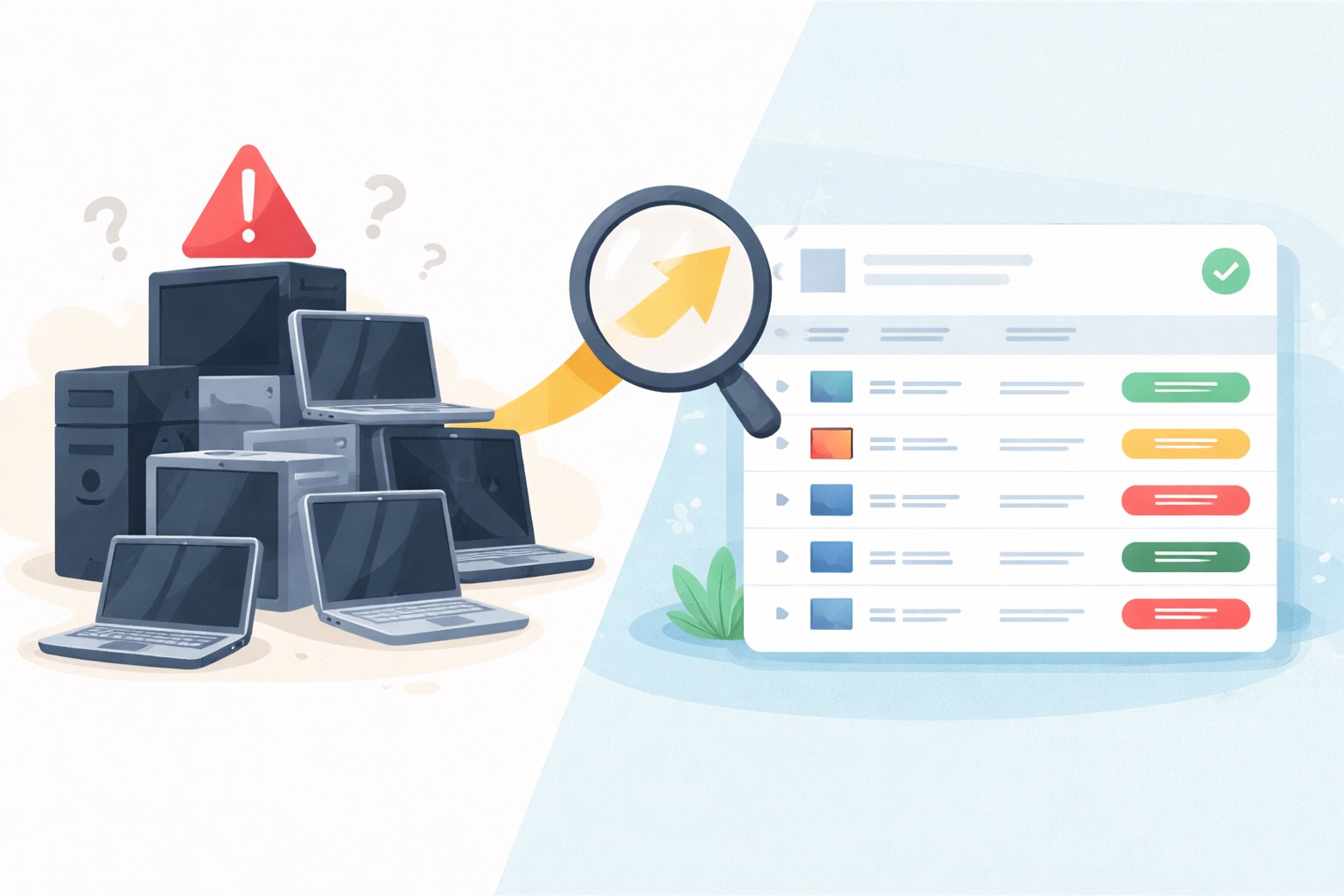
The businesses that never get surprised by a failed computer are the ones that treat hardware like any other planned expense. A proactive business computer replacement cycle turns an emergency into a line item and stops the guesswork about how long business computers last. Here is how we set one up for clients.
Build the Inventory and Set a Review Date for Every Device
PC lifecycle management for small business starts with a list, because you cannot know how long business computers last in your office until you know what you own. Record each computer’s purchase date, model, assigned user, warranty expiry, operating system, and next review date. When a computer turns three, check whether it can keep receiving security updates, whether it still runs the required applications, and how often it has needed support. Review its battery, warranty, repair costs, and the employee’s workload at the same time, then assign a planned replacement year.
That date, not a generic figure for how long business computers last, is what drives the budget. Revisit that date if the employee changes roles, software requirements increase, or the operating system’s support timetable shifts.
Set a Minimum Standard and Stick to It
Our baseline for any business workstation we deploy or support: Windows 11, at least 16 GB of RAM, a solid-state drive, and a working battery on every laptop. Anything that cannot meet that standard is scheduled for replacement, regardless of how long business computers last on average. Standardizing on a small number of approved models also simplifies everything downstream. Employees share compatible docks, chargers, and accessories, your IT provider maintains consistent security settings, and spares can be prepped quickly. Different roles may still need different models; a general office PC will not cut it for someone running video, design, or specialist technical software.
Spread Purchases Across Budget Years
Replacing a quarter to a third of the fleet every year is far easier on cash flow than replacing everything at once every four years, and it gives your IT provider time to order, configure, and test the new equipment. It also keeps the whole fleet within a supported hardware generation, which is the real determinant of how long business computers last, so no one is stranded on a machine that cannot make the next operating-system jump. If you are working through your annual numbers, our small business IT budget planning guide shows where hardware fits alongside everything else.
Tax Write-Offs for Business Computer Replacement (Section 179)
One point worth raising with your CPA: tax write-offs for business computer replacement can meaningfully change the repair-vs-replace math. Section 179 of the federal tax code lets businesses deduct the full purchase price of qualifying equipment, including computers and laptops, in the year it is placed in service, up to the annual limit, rather than depreciating it over several years. Bonus depreciation can apply on top of that. Timing a refresh so the equipment is in service before December 31 often makes a planned replacement cheaper than the “free” option of limping along. We are not tax advisors, so confirm the current limits and your eligibility with your accountant, but do not leave this out of the conversation.
Prepare the New Computer Before Retiring the Old One
Deciding how long business computers last is only useful if the handoff goes smoothly. Back up or transfer the employee’s business data before the old computer goes anywhere. Confirm the new device has the required email, documents, bookmarks, applications, printers, and shared folders, and test that multifactor authentication and any specialist software work before the employee starts relying on it. Once the move is complete, remove the old computer from device management, security monitoring, backup systems, and trusted-device lists. Cancel or reassign licenses tied to it and update the asset inventory. Keeping the old machine for a short transition is fine. Leaving it connected and unmanaged for months creates one more device to secure and one more thing to fail.
Remove Business Data Before the Computer Leaves
Deleting files or removing the employee’s account does not erase business data. Storage must be sanitized before a computer is sold, donated, recycled, returned, or discarded, and the right method depends on the storage technology, encryption, and sensitivity of the information. NIST Special Publication 800-88 Revision 2, published in September 2025, is the current reference for choosing a sanitization method. For practices and firms handling PHI, financial records, or privileged material, a certified data-destruction service with a documented chain of custody is the safer choice. Keep a disposal record with the asset number, serial number, disposal date, and method used. We cover the disposal side in more depth in why you shouldn’t keep old computer equipment in your office.

Six Questions to Ask During Every Computer Review
- Can the computer run an operating system that still receives security updates (Windows 11)?
- Does it support the software the employee needs, at the versions the vendor still supports?
- Does it handle the employee’s normal workload without regular delays?
- Has it required repeated repairs or support tickets in the past year?
- Is it still under a suitable warranty, or are parts readily available?
- Would an upgrade cost less than 50% of a replacement and deliver enough useful life to justify it?
These six questions answer how long business computers last far better than any average. If the computer fails the security or software-support checks, plan to replace it. For performance and repair issues, compare the cost of fixing the device with the real cost of keeping it another year, including the productivity you lose while it limps along.

Frequently Asked Questions
How Long Business Computers Last on Average
How long business computers last on average comes down to three to five years. Laptops tend toward the shorter end because of battery wear and physical handling; desktops toward the longer end. Replace sooner if a machine cannot receive security updates, becomes unreliable, or no longer meets the employee’s needs.
Should every computer be replaced at the same age?
No. Review computers based on condition and use. A laptop carried between client sites every day will usually need replacement sooner than a desktop used occasionally for basic office work. The point of a replacement cycle is to review on a schedule, not to apply one number for how long business computers last across the board.
Is a slow computer always ready for replacement?
No. Low storage, insufficient memory, malware, overheating, or an operating-system problem may be responsible. Have the cause checked before deciding whether to repair, upgrade, or replace. If the machine is more than four years old or cannot run Windows 11, though, replacement is usually the better investment.
Should a computer be replaced when its warranty ends?
Not automatically. Review its condition, support status, repair history, importance to the employee, and whether you have spare equipment. The end of the warranty is a good trigger for that review.
Can an old computer be kept as a spare?
Yes, provided it stays supported, reliable, updated, and managed. Check spares regularly and confirm they can still run the software employees need. An unpatched spare sitting in a closet is a liability, not a backup plan.
Can a business sell or donate an old computer?
Yes, but all business data must be removed first using a proper sanitization process, and you should keep a record showing how and when the computer was disposed of. For regulated businesses, a certified destruction service with a certificate of data destruction is the safest route.
Does a managed IT provider handle hardware replacement?
A good one does, and it should be able to tell you how long business computers last in your fleet at any moment. Managed IT services for New Jersey SMBs should include asset inventory, lifecycle tracking, procurement, deployment, and secure disposal, so the refresh cycle runs on a schedule instead of on emergencies. Ask any provider you are evaluating how they track device age and support status across your fleet.
IT Lifecycle Management New Jersey Businesses Can Plan Around
Don’t wait for a catastrophic hard drive failure or a failed compliance audit to answer how long business computers last in your office. eMDTec provides the IT lifecycle management New Jersey healthcare practices, law firms, accounting firms, and professional services businesses rely on, from NJ business hardware procurement and deployment to secure disposal. Our managed IT services track every device’s age, warranty, and support status so your refresh cycle runs on a plan and your budget stays predictable. Start with a free inventory audit and we will show you how long business computers last in your environment and exactly which computers to keep, upgrade, or replace this year.
Related Reading
- Hardware Lifecycle Management for Small Business
- When to Replace Small Business Computers
- Windows 10 End of Support: What It Means for Your Business
- Why Are Computers So Expensive?
Sources and Further Reading
- Guidelines for System Management: Australian Cyber Security Centre
- Obsolete Products: UK National Cyber Security Centre
- Managing the Risks of Legacy IT: Australian Cyber Security Centre
- Optimizing PC Refresh: Intel
- Dell: PC Lifecycle Plan and Design
- NIST SP 800-88 Revision 2: Guidelines for Media Sanitization
- How to Dispose of Your Device Securely: Australian Cyber Security Centre
—
This Article has been Republished with Permission from The Technology Press.