

 Managed IT Services
Nothing derails a morning quite like a frozen screen. If you run a small business you have almost certainly squeezed an extra year out of a laptop that should have been retired, told yourself it was the frugal choice, and then paid for it in lost hours instead of dollars.
The numbers back that up. Reporting from NationalWorld found small businesses lose roughly 98 hours a year, about 12 working days, to technology problems like sluggish PCs and aging laptops.
That is the whole argument for an IT refresh plan. Not a big-bang overhaul, and not a spreadsheet nobody opens. Just a documented, funded schedule for replacing equipment before it fails, so the decision is made on your calendar instead of during an emergency. Here is how we help clients build one.
Why Your Business Needs an IT Refresh Plan
What Happens Without an IT Refresh Plan
Old hardware is easy to ignore right up until it is not. When a machine finally quits you are suddenly hunting for parts, absorbing downtime, and explaining to a client why the work slipped. Reactive replacement is always the most expensive kind. The risks stack up quickly:
- Unexpected downtime. One dead laptop can cost an entire day of billable work.
- Productivity drain. Slow machines crash more, boot slower, and quietly tax every task.
- Security exposure. Hardware past end-of-support stops receiving the updates that keep you patched.
- Compliance gaps. If you answer to HIPAA, PCI, or a cyber insurance questionnaire, unsupported devices are a problem you will have to document.
- Worse pricing. Emergency purchases mean paying retail for whatever is in stock today.
The Real Cost of Waiting Too Long
Here is the uncomfortable math. Holding old hardware to save money usually costs more, because the savings are invisible and the costs are not. Support calls climb, warranties lapse, and once equipment is genuinely obsolete you cannot replace it gradually anymore. Everything has to change at once, which is exactly the bill you were trying to avoid. Staying slightly ahead of the curve is cheaper than catching up to it.
How an IT Refresh Plan Helps With Compliance and Cyber Insurance
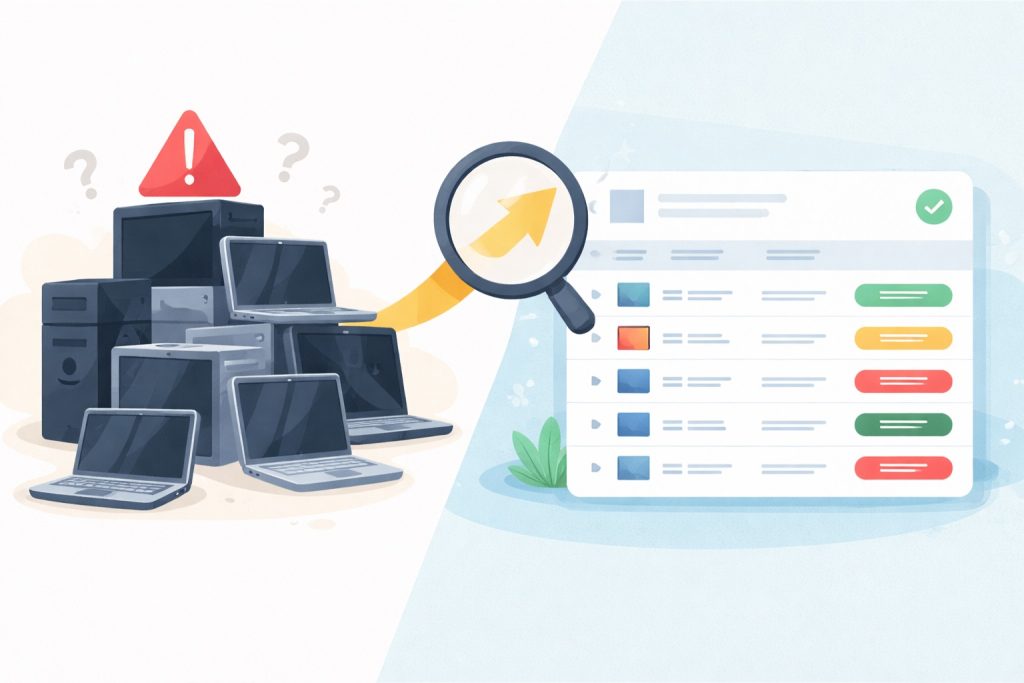
This is the part most owners do not see coming. Cyber insurance applications increasingly ask whether your systems are running supported software and receiving security updates, and an honest answer means knowing the age and support status of every device. If you handle health records or card payments, unsupported hardware can put you out of step with HIPAA or PCI expectations regardless of how careful your team is.
An IT refresh plan gives you the documentation to answer those questions confidently. Auditors and insurers are not looking for brand new equipment. They are looking for evidence that you know what you own and have a funded schedule for keeping it supported. That evidence is exactly what your register and your IT refresh plan produce as a byproduct.
It works in your favor at renewal, too. Being able to show a documented refresh cycle is the kind of control that keeps premiums reasonable and prevents a claim from being questioned later.
4 Simple Strategies to Build Your IT Refresh Plan
Budget size matters less than having a rhythm. Pick the approach that suits how your team actually works, then write it down. If you want a head start, our walkthrough on how to audit your hardware fleet before a refresh shows you what to record.
1. Replace as You Go
Swap equipment out gradually rather than all at once. When a machine reaches the end of its useful life or starts generating tickets, it gets replaced. The trick is defining that moment in advance instead of guessing, using warranty end date, performance, and repair history as your triggers. This spreads cost across the year and keeps surprises small.
2. Schedule Regular Refresh Cycles
If your team leans hard on their machines, put replacement on a fixed clock. Three to four years is the common window for small business laptops and desktops. A scheduled cycle stops the slow accumulation of tired hardware, makes budgeting predictable, and often earns you better pricing because you are buying several units at once instead of one in a panic.
3. Watch for Compatibility Issues
Hardware does not age in isolation. A software update starts demanding more memory than your older laptops have, or a cloud app quietly drops support for the operating system half your team is running. Have your IT partner check compatibility on a schedule so you find out on a Tuesday review call rather than the morning of a deadline.
4. Consider Leasing Instead of Buying
Large upfront purchases are not always realistic, and leasing is a legitimate answer rather than a compromise. Many vendors offer flexible terms, scheduled upgrades, and support through the transition. If you would rather buy but stretch the budget further, it is worth knowing what to check before buying used technology so a bargain does not turn into a liability.
Your IT Refresh Plan Needs a Hardware Register
What to Track in Your Hardware Register
A hardware register is just a spreadsheet, and it is the single highest-value hour you will spend on this. Record the basics for every device you own:
- What the device is, including model and serial number
- When you bought it and what you paid
- When the warranty and manufacturer support expire
- Any repairs, failures, or recurring complaints
- Who is using it, and where it physically lives
How a Register Sharpens Your IT Refresh Plan
Once the list exists, the guesswork disappears. Instead of “I think we bought that one a while back,” you know precisely what is due, what it has cost you, and what to budget next quarter. You start spotting failure patterns before they become outages, you negotiate from evidence, and you stop losing forgotten devices that still hold company data. A register is what turns an intention into a real plan.
How to Budget for an IT Refresh Plan
Spread the Cost Across the Year
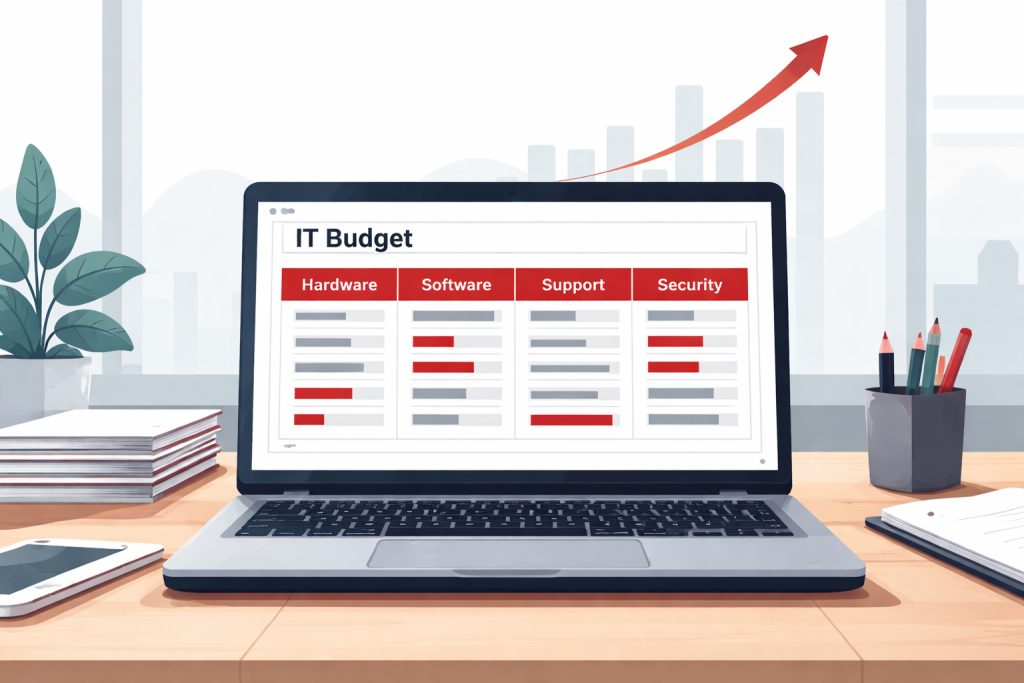
Treat hardware as a recurring operating cost, not an occasional shock. Divide your expected replacements over twelve months and set the money aside monthly. Businesses that do this stop having the argument about whether they can afford a laptop, because the answer was decided back in January.
Build In a Contingency for Early Failures
Something always dies ahead of schedule. Add a modest buffer, in the range of ten to fifteen percent of your annual hardware budget, for the machine that fails in year two. Without it, one unexpected replacement raids the funds earmarked for the planned ones and the whole cycle slips.
Putting Your IT Refresh Plan Into Action
Take Inventory First
Start with what you have. Walk the office, open the closet nobody claims, and write down every machine with its age. You cannot plan replacements for equipment you have forgotten you own, and most businesses find at least one surprise.
Match Your IT Refresh Plan to Where the Business Is Headed
Replacement should follow strategy, not just age. Hiring three people next quarter, moving to the cloud, or adopting software with heavier requirements all change what you should buy and when. If you have not mapped that yet, our guide to building a small business IT roadmap is the right companion piece to this one.
Bring In Your IT Partner Early
A good provider will tell you which machines have another year in them and which are quietly costing you money every week. That conversation is far more useful before you have chosen equipment than after. Ask them to review your register with you once a year and adjust the schedule.
IT Refresh Plan FAQs
How often should I replace business laptops?
Three to four years suits most small business use. Push to five if the workload is light and the warranty is still current; pull it forward if the machine is doing heavy work or has already been repaired once.
Is leasing better than buying?
Neither is universally better. Leasing preserves cash and smooths upgrades; buying is usually cheaper over the full life of the device. Choose based on your cash position and how much you value predictable upgrade timing.
What should an IT refresh plan cost?
Rather than chasing a benchmark percentage, work it from your own register: total replacement cost of your fleet divided by your refresh cycle in years, plus a contingency. That number is specific to you and far more defensible than an industry average.
Ready to Build Your IT Refresh Plan?
Technology should be carrying your business, not quietly taxing it. A little planning removes the surprise breakdowns, cuts downtime, and keeps your team working on equipment that does not fight them. An IT refresh plan is really about protecting productivity, closing security gaps, and making your costs predictable.
If you would like help putting one together, we will inventory what you have, flag what is genuinely at risk, and map a replacement schedule that fits your budget. No pressure and no jargon, just a clear plan you can act on.
Schedule a Free Consultation — Call 973-295-5570
This Article has been Republished with Permission from The Technology Press.