

 Managed IT Services
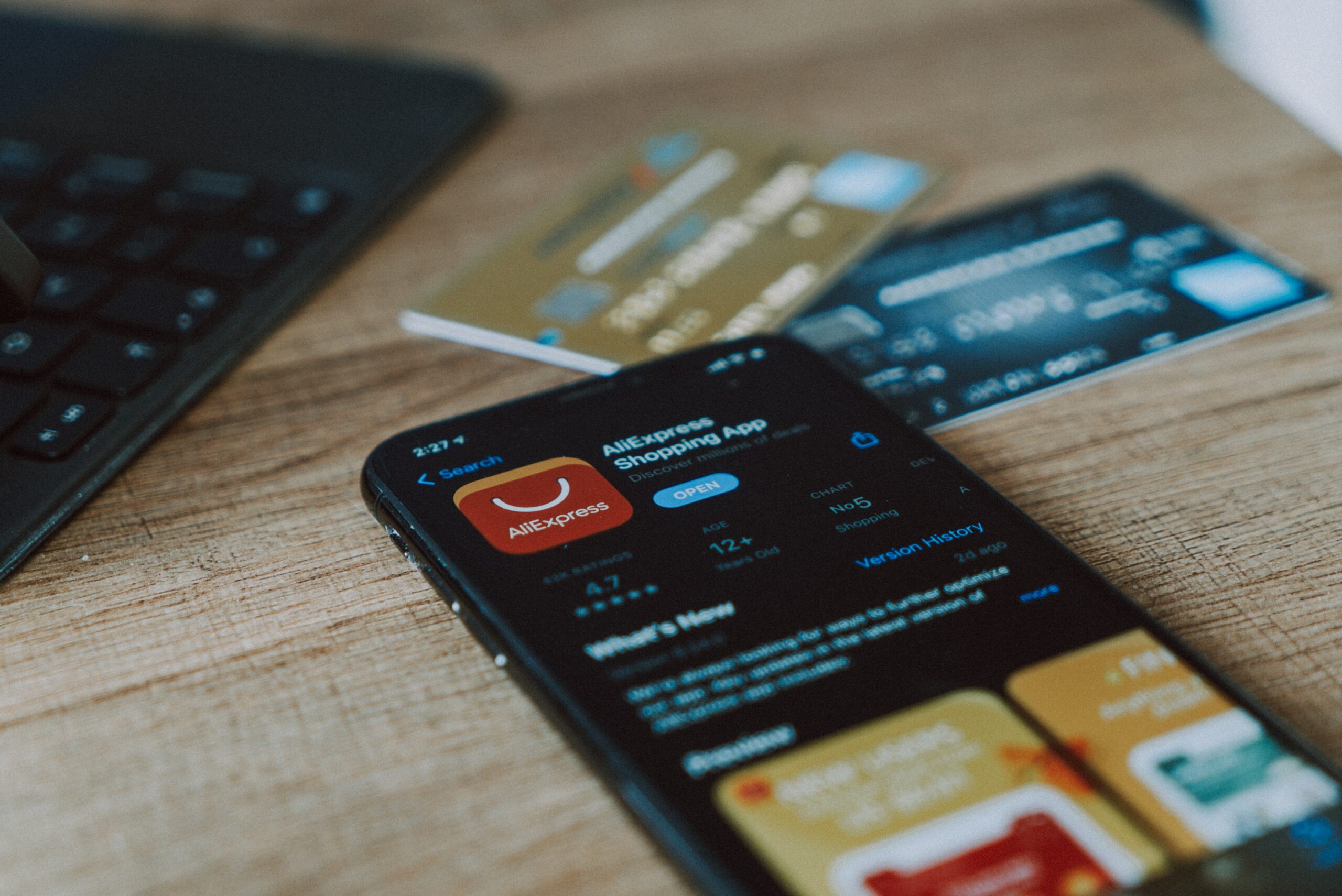
That shopping app on your phone might be collecting far more about you than the items you buy. Online shopping is convenient and fast, but not every shopping app plays fair with your personal data. Some quietly track your location, your clipboard, and your browsing habits — often without making it obvious.
Before you tap “install” on the next deal-of-the-day app, it’s worth understanding what a shopping app can actually see. A little awareness goes a long way toward protecting your privacy and your bank account. Here’s what to watch for and how to shop smarter.
When a Shopping App Collects Too Much Data
Not every shopping app is created equal. A few high-profile cases show just how invasive some of them can be.
SHEIN: A Popular Shopping App Caught Overreaching
Security researchers found the popular SHEIN shopping app tracking users’ copy-and-paste activity — meaning anything you copied, including passwords, could be read. Reports also showed it collecting GPS location and device data. The developers called it “optimizing user experience,” a vague explanation that left a lot of users uneasy.
Temu and Other Apps Under Scrutiny
SHEIN isn’t alone. The Temu shopping app has faced similar questions about how much data it gathers and where that data goes. Many apps quietly collect information from your device and share it with third parties, so it pays to be cautious with any new shopping app you install.
7 Ways to Protect Your Privacy With Any Shopping App
You don’t have to give up online deals to stay safe. Follow these seven simple habits and you’ll keep your shopping app from oversharing your data.
1. Read the Privacy Policy Before You Install
It’s tempting to skip it, but the privacy policy tells you what an app plans to collect. If it’s vague or asks for far more than it needs, that’s a red flag worth heeding.
2. Turn Off Sharing Features
Dig into the app’s settings and disable location sharing, contact access, and personalized tracking wherever you can. Most apps work perfectly well without them.
3. Remove Apps You Don’t Use
Every shopping app on your phone is a potential data leak. If you haven’t used one in months, delete it. Fewer apps mean fewer chances for your information to escape.
4. Research Apps Before You Download
Check reviews, the developer’s reputation, and recent news before installing a new one. A quick search can reveal known privacy problems before they become your problem.
5. Shop on the Website Instead
When in doubt, use the retailer’s website in your browser rather than the app. Websites generally have less access to your device than an installed app does.
6. Keep Your Device and Apps Updated
Updates patch security holes that attackers and data-hungry apps can exploit. Turn on automatic updates so your phone and every app stay current. The FTC’s app privacy guidance is a helpful reference.
7. Strengthen Your Overall Mobile Security
A strong passcode, biometrics, and careful app permissions protect everything on your device, not just one app. If you run a business, our network security practices apply to mobile devices too.
Worried About a Shopping App on Your Business Devices?
Personal apps on work phones can put company data at risk. Our team can review your mobile security, set sensible app policies, and lock down the data that matters. Explore our cybersecurity services to see how we help New Jersey businesses stay protected.
Ready to Protect Your Data? Let’s Talk.
Schedule a Free Consultation — Call 973-295-5570. We’ll give you a clear, no-jargon plan to keep your devices and data safe.