

 Managed IT Services
Home security has never been easier to buy or install. From Ring doorbell cams to full smart-home systems, you can watch your front door from anywhere and get peace of mind when you’re away. By 2026, the home security market is expected to keep growing fast as more families add cameras, sensors, and smart locks.
But here’s the part nobody tells you: a home security system is only as safe as the way it’s set up. Plug-and-play convenience can hide real risks. If your cameras aren’t locked down properly, you could actually open your home and family up to strangers instead of keeping them out.
for Safer Home Security Setups 3
You’ve probably seen the horror stories: hacked baby monitors, strangers speaking through camera speakers, and leaked video feeds. Even big brands aren’t immune. A well-known breach exposed the personal data of thousands of Ring users, including usernames and passwords. The good news? A few smart steps at setup make a huge difference.
7 Ways to Make Your Home Security Setup Safer
You don’t need to be a tech expert to protect your cameras. Walk through these seven home security steps and you’ll close the gaps that hackers love to exploit.
1. Secure the Router Behind Your Home Security
Your router is the front gate to every connected device in your house. Change the default admin password, turn on WPA3 (or WPA2) encryption, and keep its firmware updated. If your router is more than a few years old, it may be time for an upgrade. Solid network security is the foundation everything else sits on.
2. Change the Default Username & Password
Cameras ship with generic logins that are posted all over the internet. Change them right away to a long, unique password, and turn on multi-factor authentication if the app offers it. This one step blocks the most common home security break-ins.
3. Make Sure the System Uses Encryption
Before you buy, confirm the system uses SSL/TLS or end-to-end encryption. Encryption scrambles your video so that even if someone intercepts it, they can’t watch it. If a device doesn’t mention encryption anywhere, treat that as a red flag.
4. Keep the Software Updated
Manufacturers release updates to patch newly discovered flaws. Turn on automatic updates for both the cameras and their mobile app so you’re always running the safest version. Outdated firmware is one of the easiest doors for an attacker to walk through.
5. Set Access Levels for Multiple Users
Sharing access with family or a house-sitter? Give each person their own login instead of passing around one account. That way you can see who’s viewing your feeds and remove access instantly when someone no longer needs it.
6. Turn On Every Home Security Feature Available
Many people never explore their app’s settings. Enable features like login alerts, activity zones, and privacy masking. These built-in home security tools are free and take just minutes to switch on. According to the CISA Secure Our World guidance, strong passwords and MFA dramatically reduce your risk.
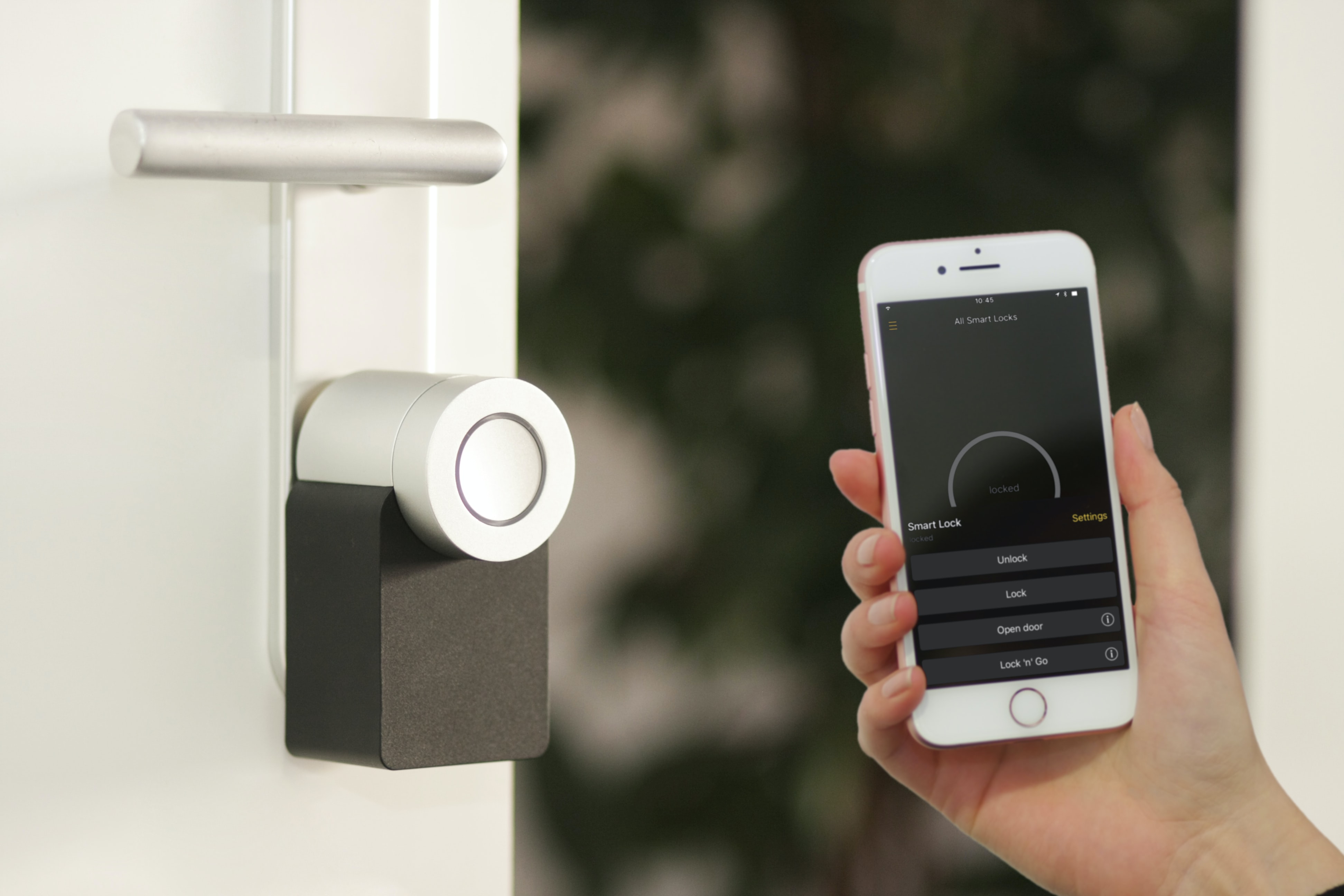
7. Secure the Mobile Device That Controls It
Your phone is the remote control for your whole system. Lock it with a strong passcode or biometrics, keep it updated, and only install the official app from a trusted app store. If your phone is compromised, your cameras are too. For remote and hybrid households, our remote cybersecurity guidance applies at home as well.
Get Expert Help With Your Home Security Setup
Not sure whether your cameras, network, and devices are truly locked down? You don’t have to guess. Our team can review your home or small-business setup and make sure your home security is actually keeping you safe. Explore our cybersecurity services to see how we help.
Ready to Strengthen Your Home Security? Let’s Talk.
Schedule a Free Consultation — Call 973-295-5570. We’ll walk through your setup and give you a clear, jargon-free plan.